

What an integration looks like
Each integration in the blueprint has a name (the service), a description of what it does in your app, and any modules that depend on it. Adding an integration in the blueprint signals to the generator that it should wire up the SDK calls, configuration, and webhook routes for that service.
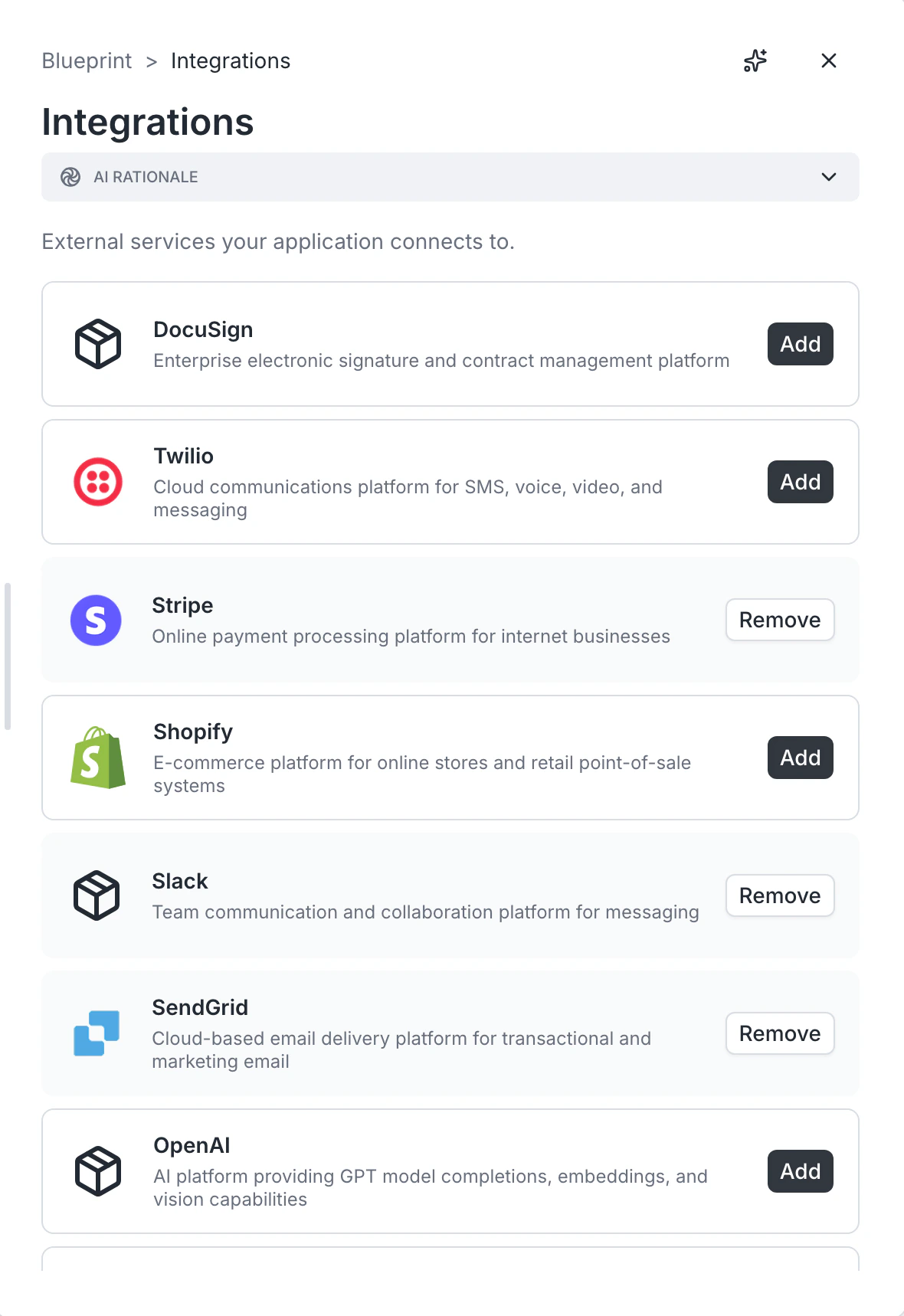
Adding an integration
- Open the Integrations card.
- Click Add integration.
- Pick a service from the list, or describe a custom one.
- Add a one-line description of what it does in your app (“Stripe handles checkout for course purchases”).
- Save.
Removing an integration
Open the integration and delete. Make sure the modules that depended on it are updated — for example, if you remove Stripe, the checkout module needs a new payment story.Common integrations
See the Integrations section for the integrations Archie ships with first-class support:- Stripe — payments
- SendGrid — transactional email
- Twilio — SMS and voice
- Slack — notifications
- Shopify — commerce
Configuration vs. selection
Adding an integration in the blueprint selects it. Configuring it (API keys, webhook secrets, account-specific settings) happens in App settings after the build. Do not worry about credentials at the blueprint stage.FAQ
Does adding an integration require a paid account on that service?
Does adding an integration require a paid account on that service?
You will need an account on each integrated service to use it in production. Most have free tiers for development.
Can I swap one integration for another later?
Can I swap one integration for another later?
Yes. Edit the blueprint, swap the integration, and rebuild. Existing custom code may need updating.
What if my service is not on the list?
What if my service is not on the list?
Add it as a custom integration. Describe its purpose; the generator will scaffold the request and webhook plumbing.